
Preserve the main subject
Retain recognizable subject details while changing the surrounding visual treatment.
Transform an existing image
Transform photos and reference images with AI. Restyle a scene, preserve important details, and create new visual directions from an existing image.
Sign in to see your recent creations.
Choose your engine
Start with the model that best matches your preferred speed, style, and level of control.
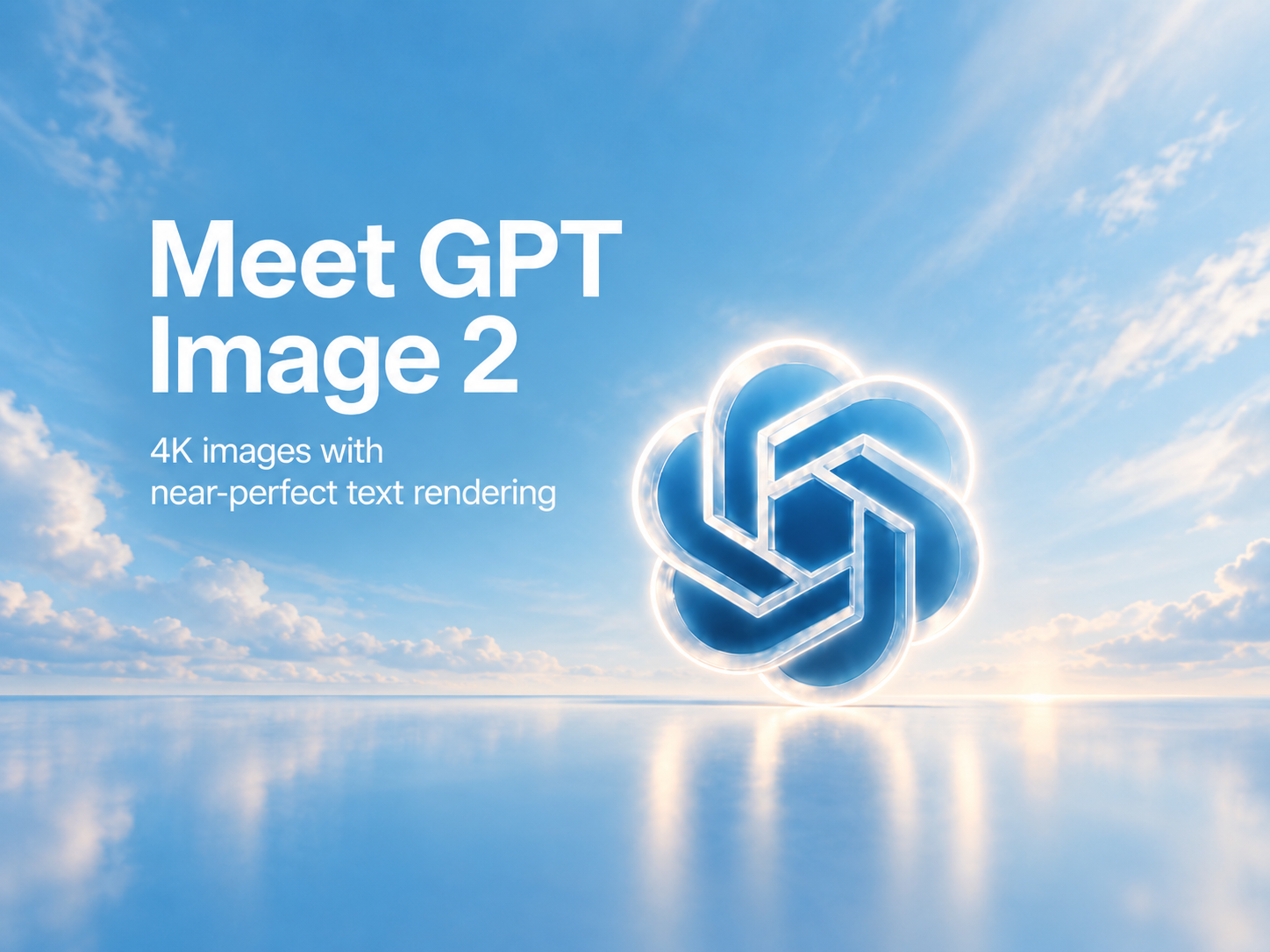

Precise prompt following for polished images and readable text.
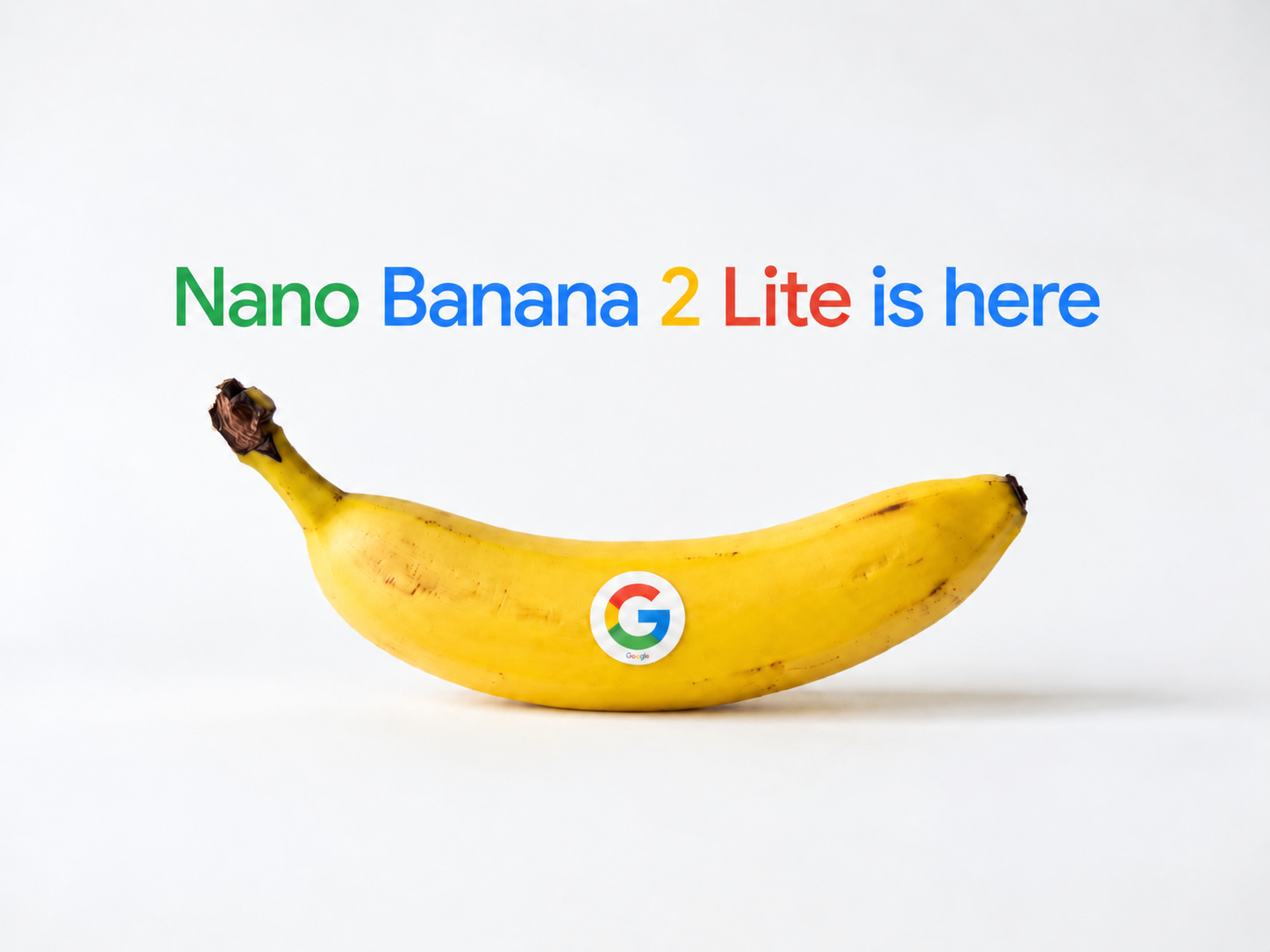

A fast, efficient option for everyday generation and editing.
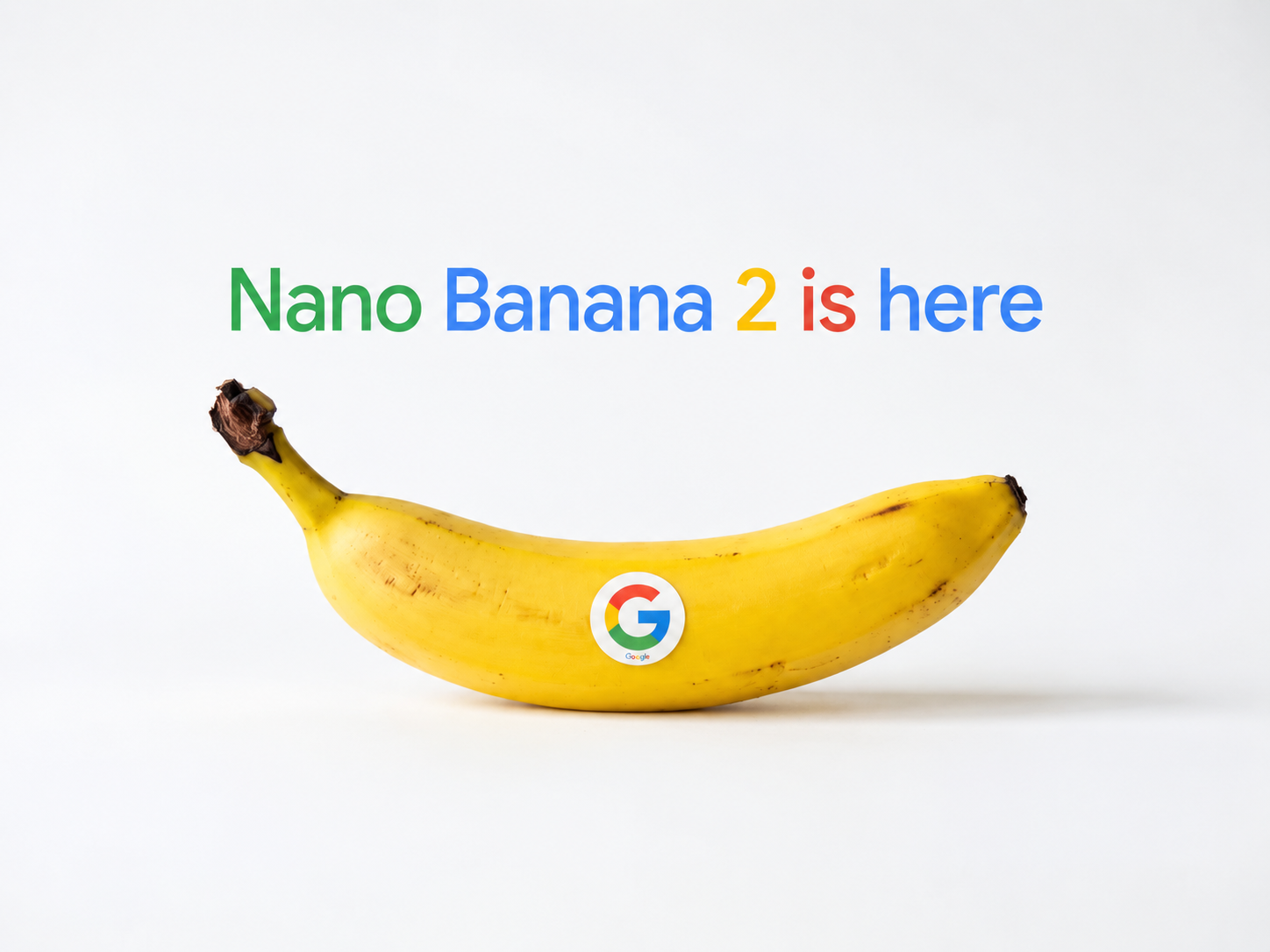
Flexible multi-reference generation with strong visual consistency.
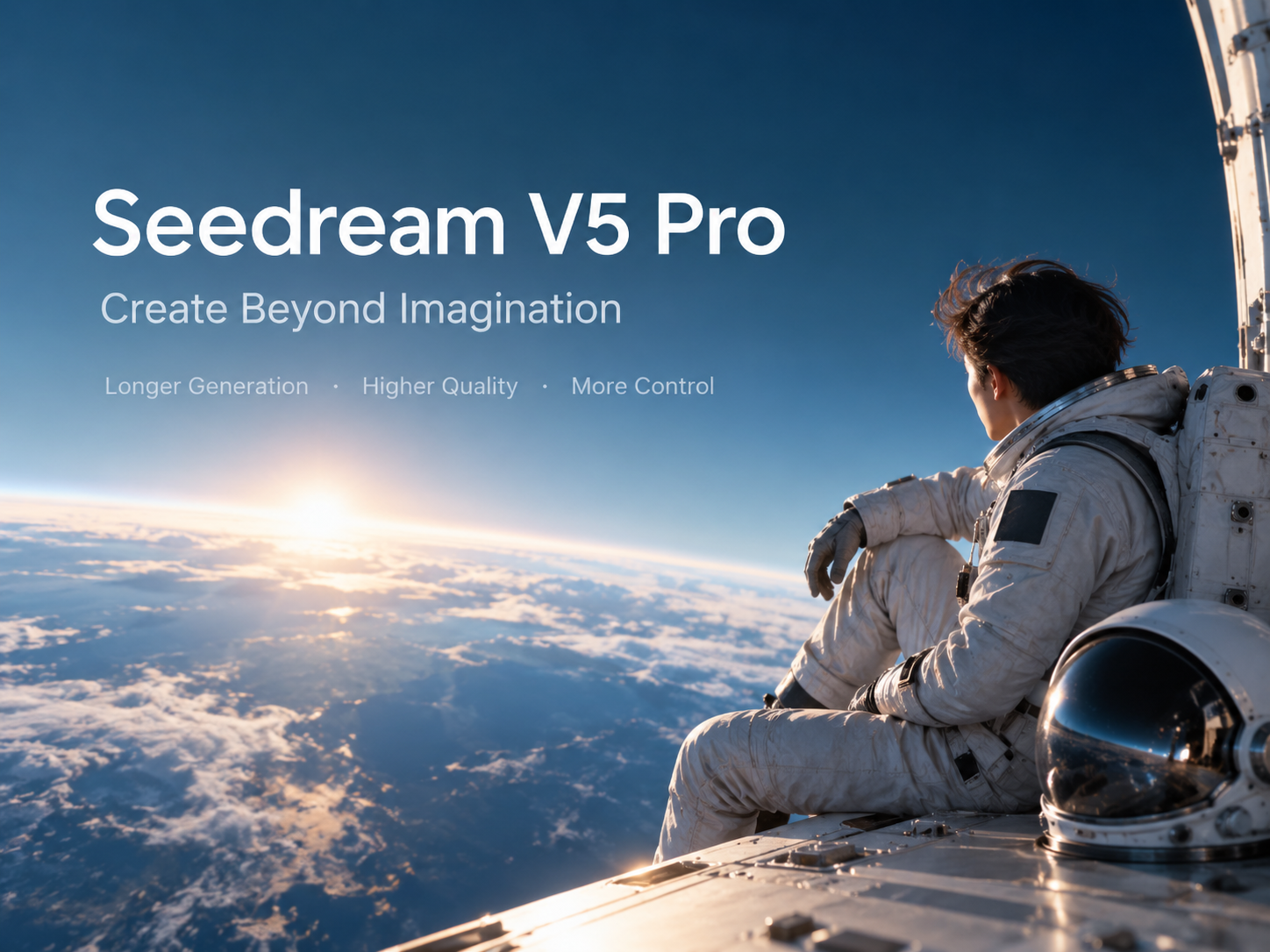

Detailed creative output for professional image workflows.
Example gallery
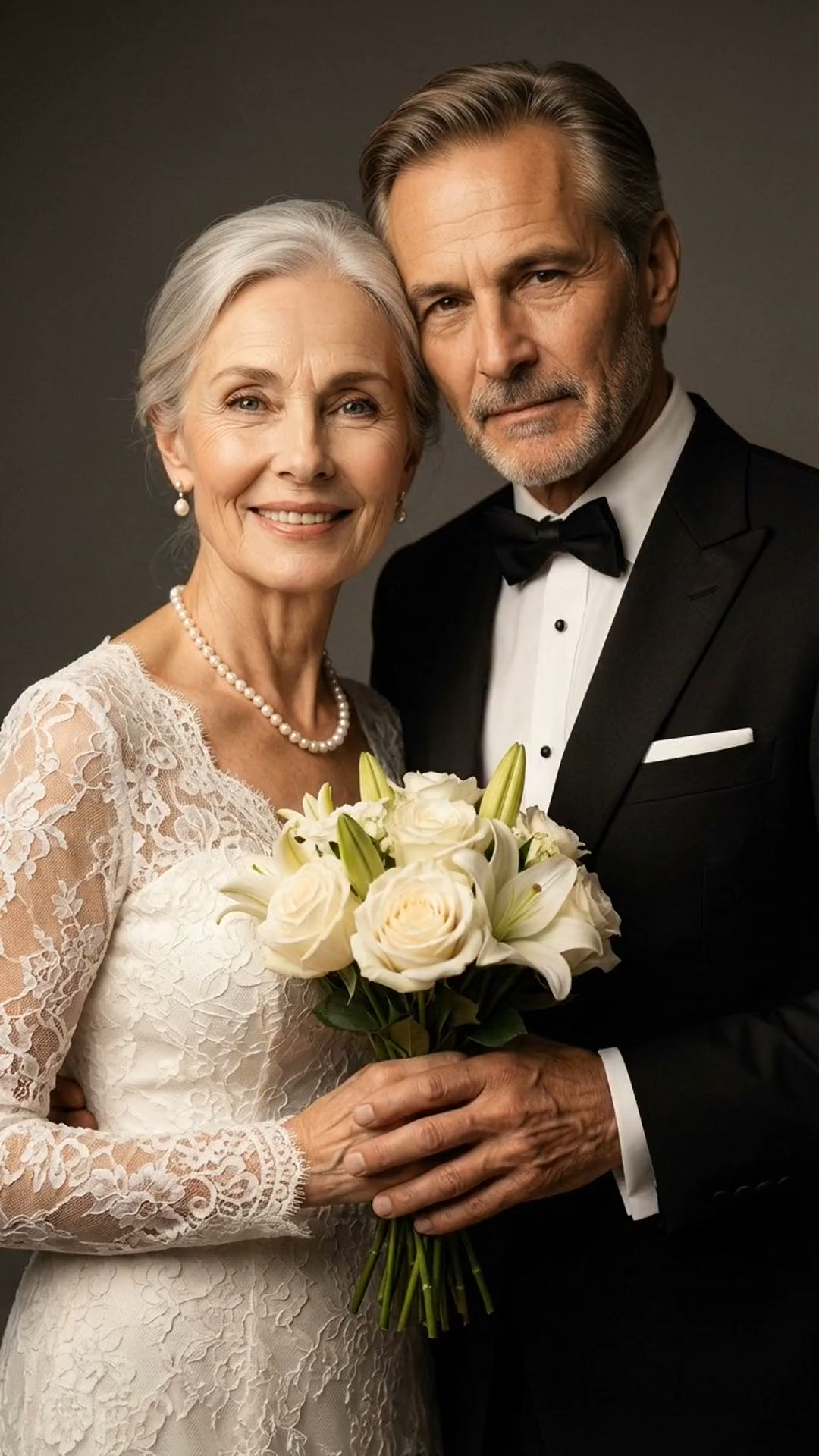
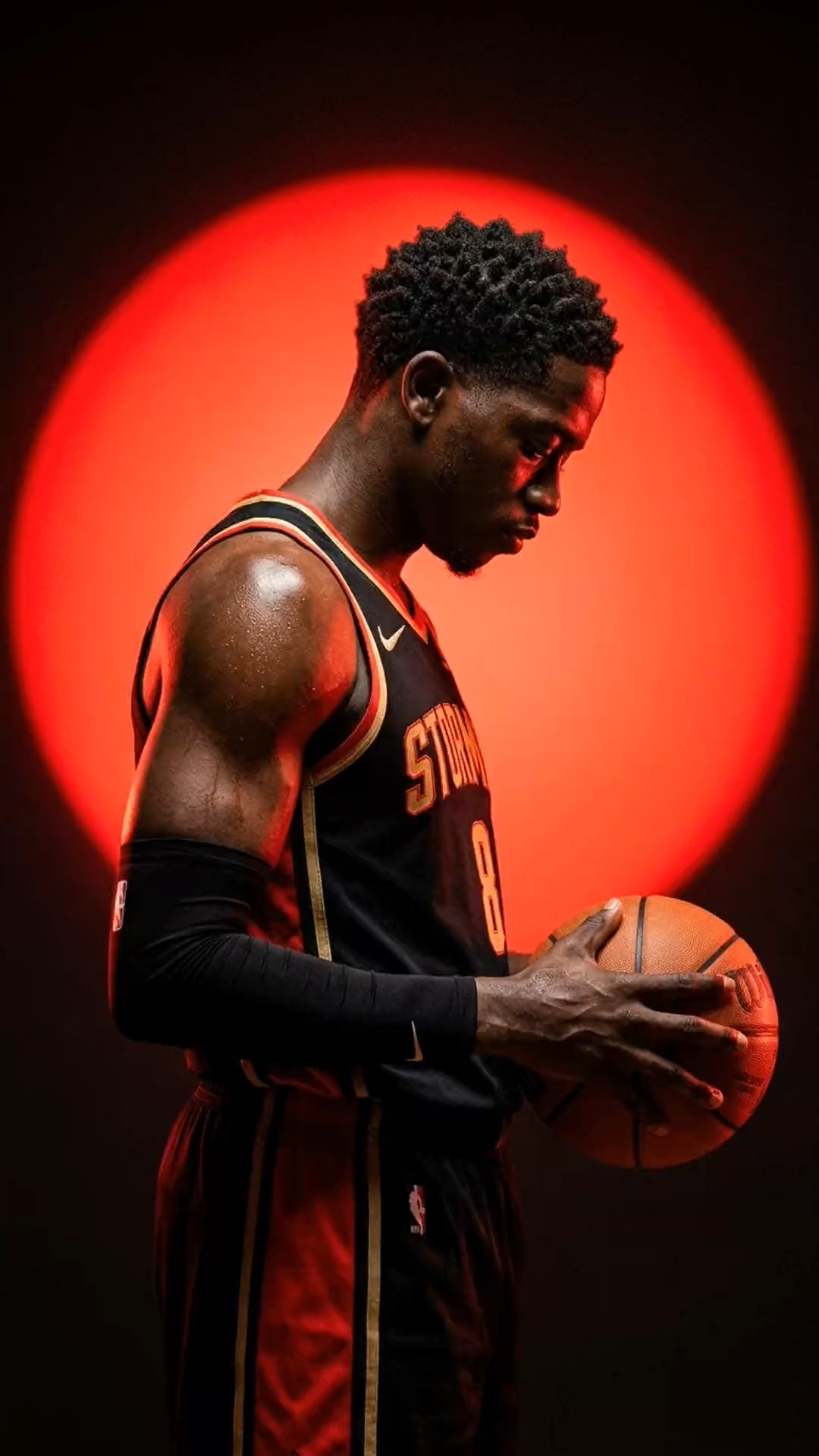
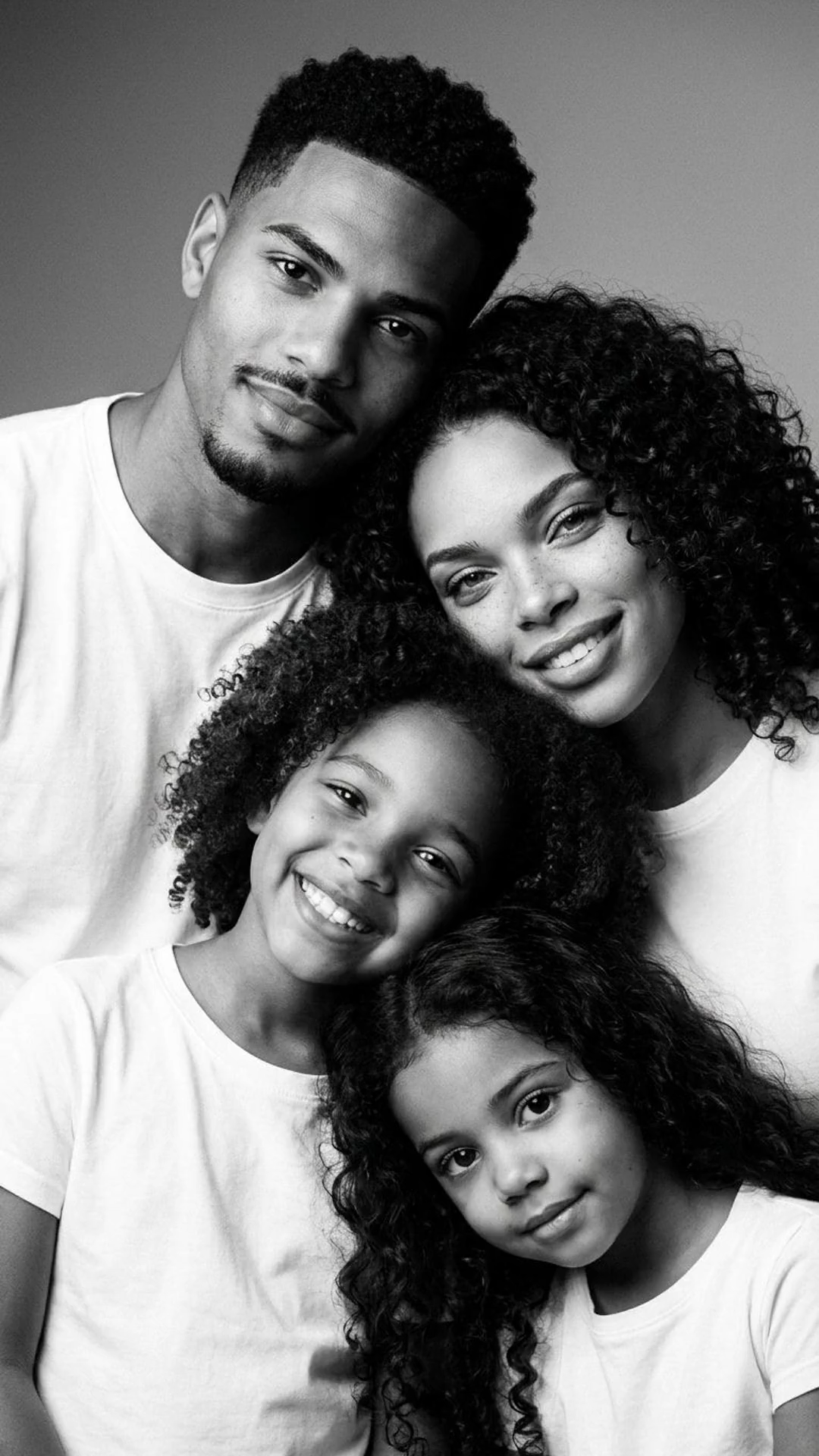
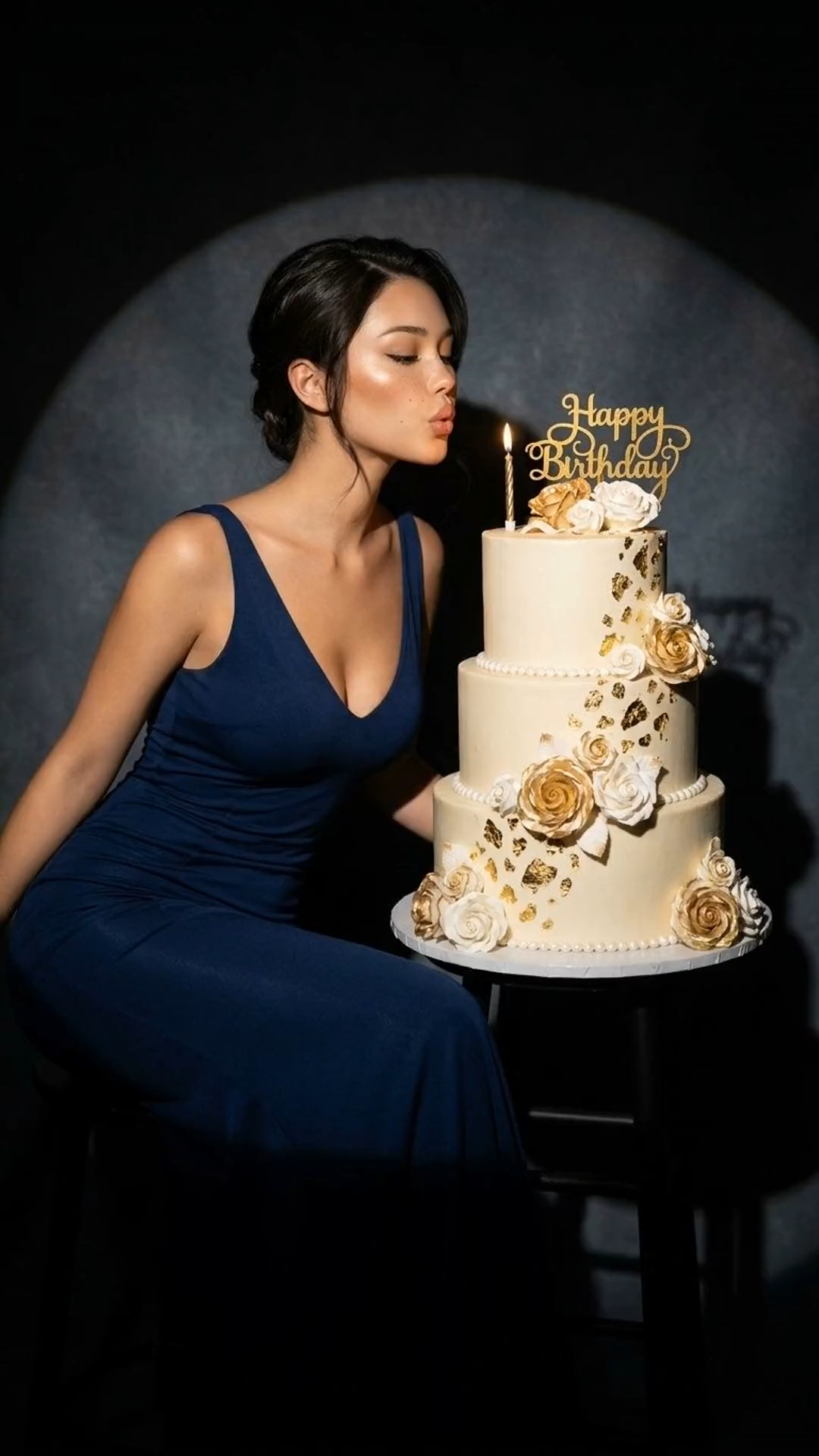
Replace these before-and-after slots with real transformations that show style, setting, product, and character consistency.
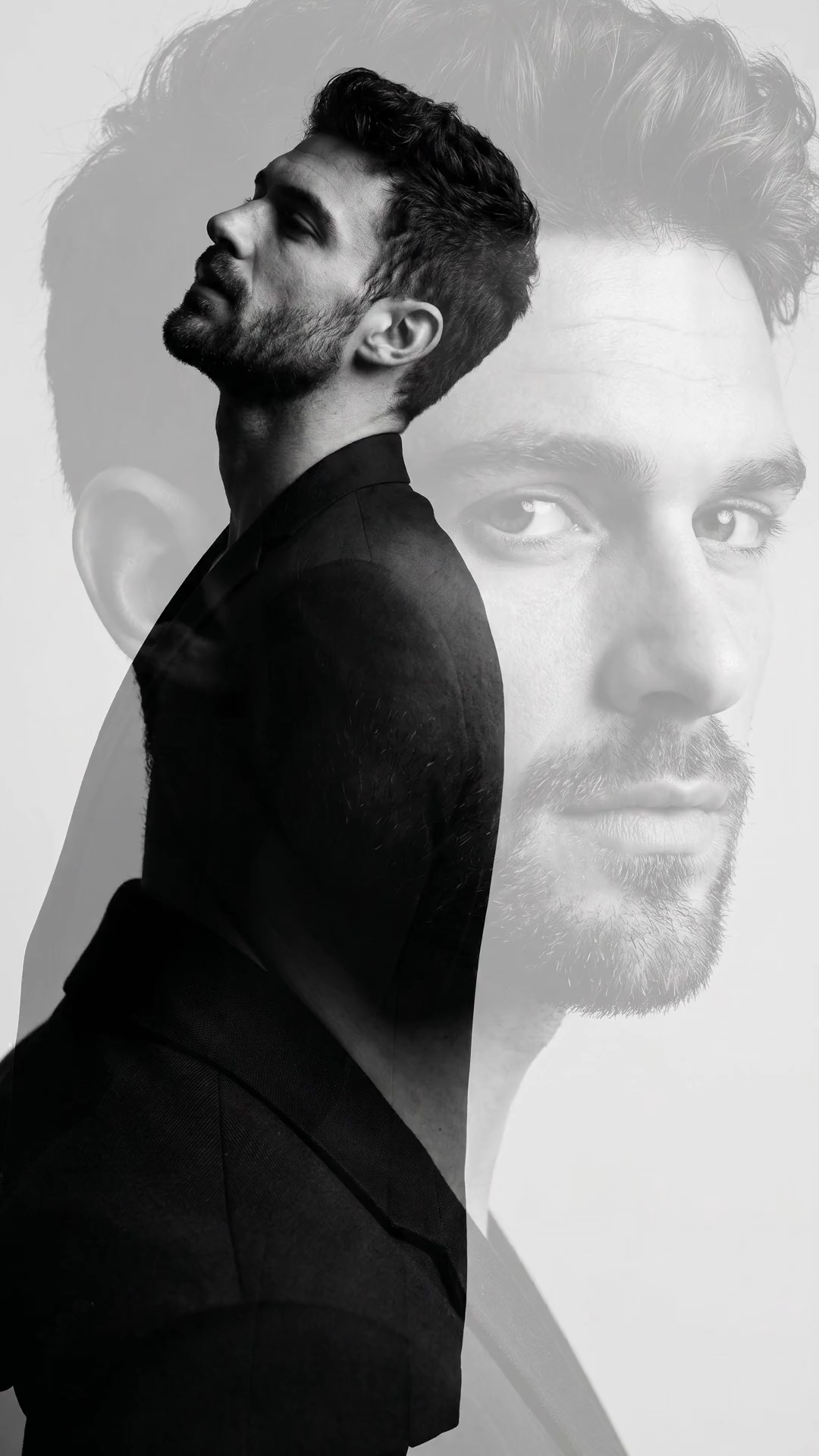

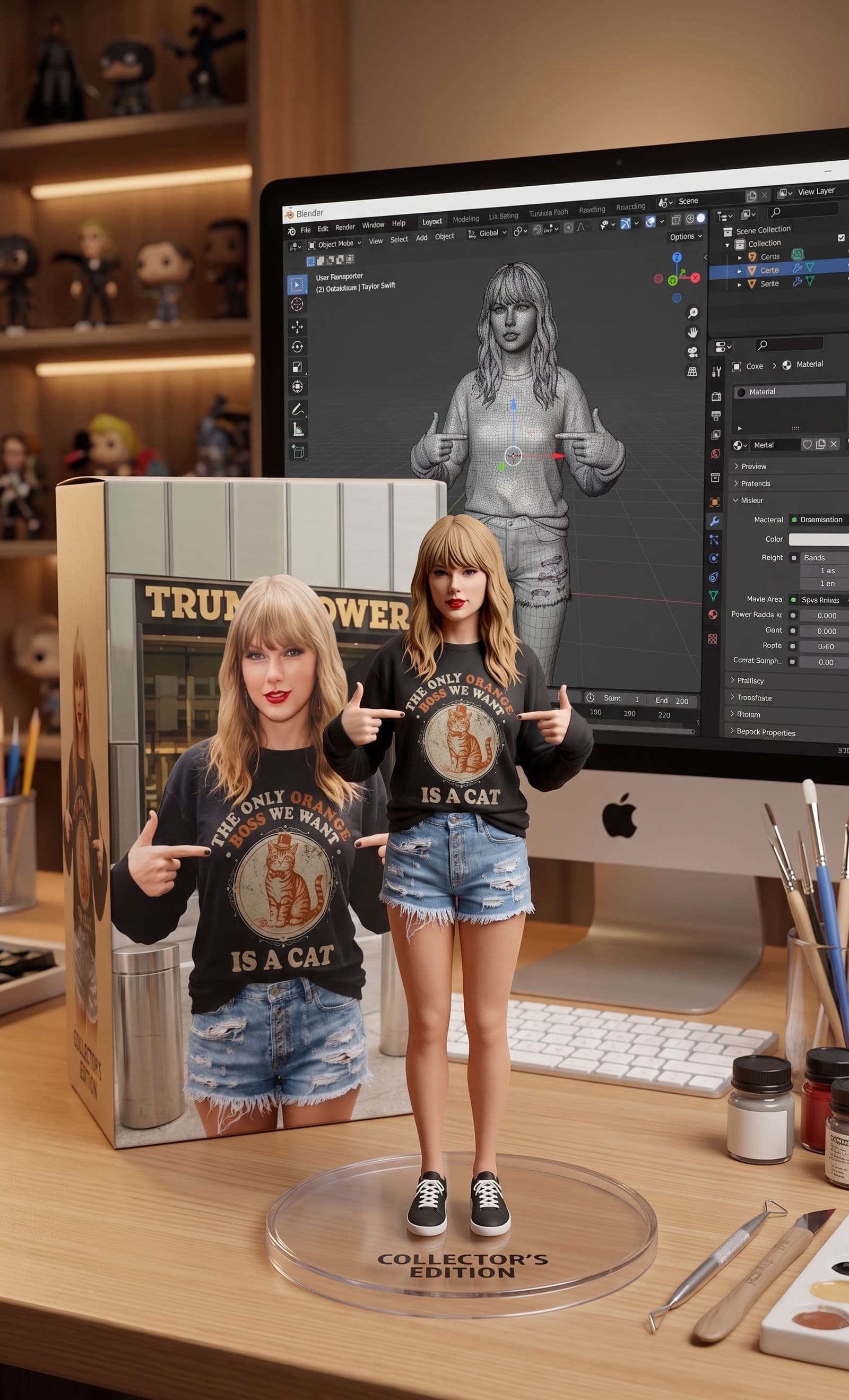
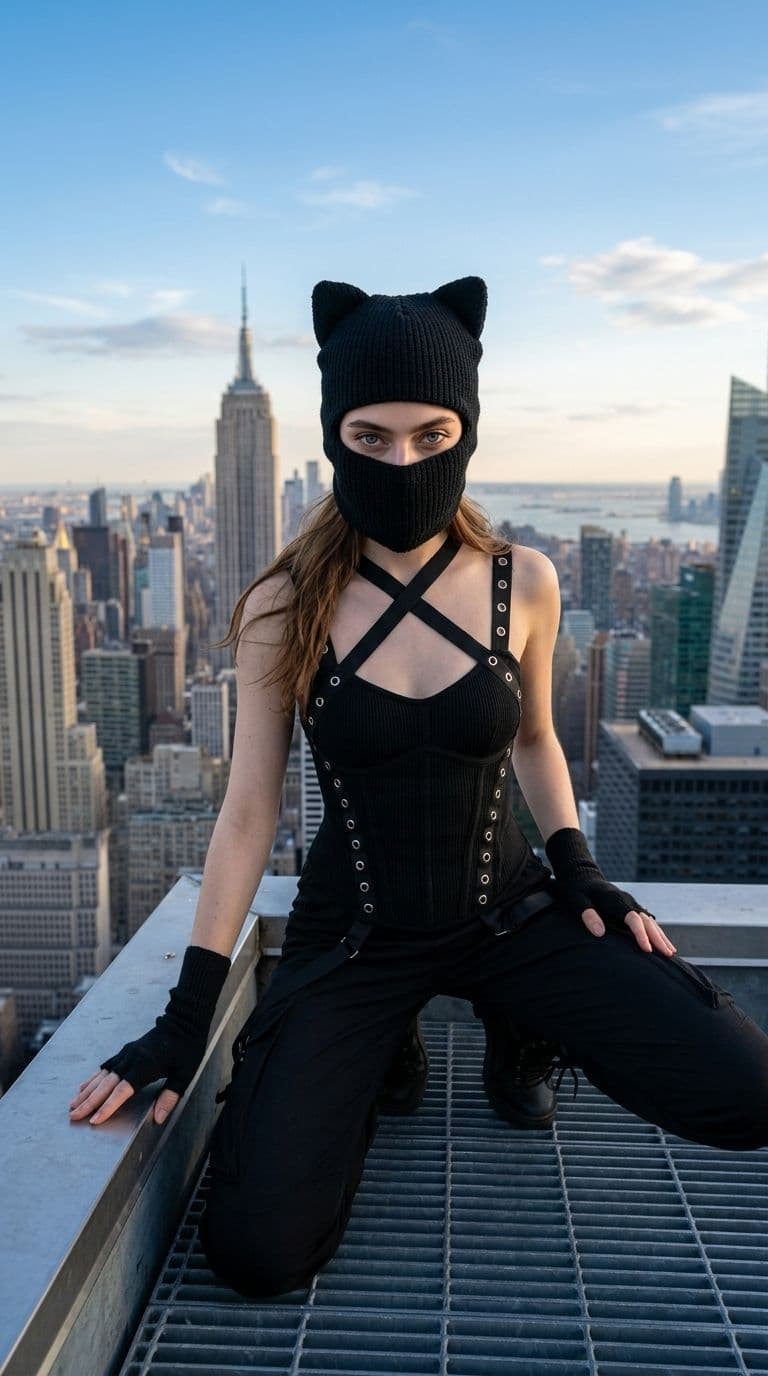
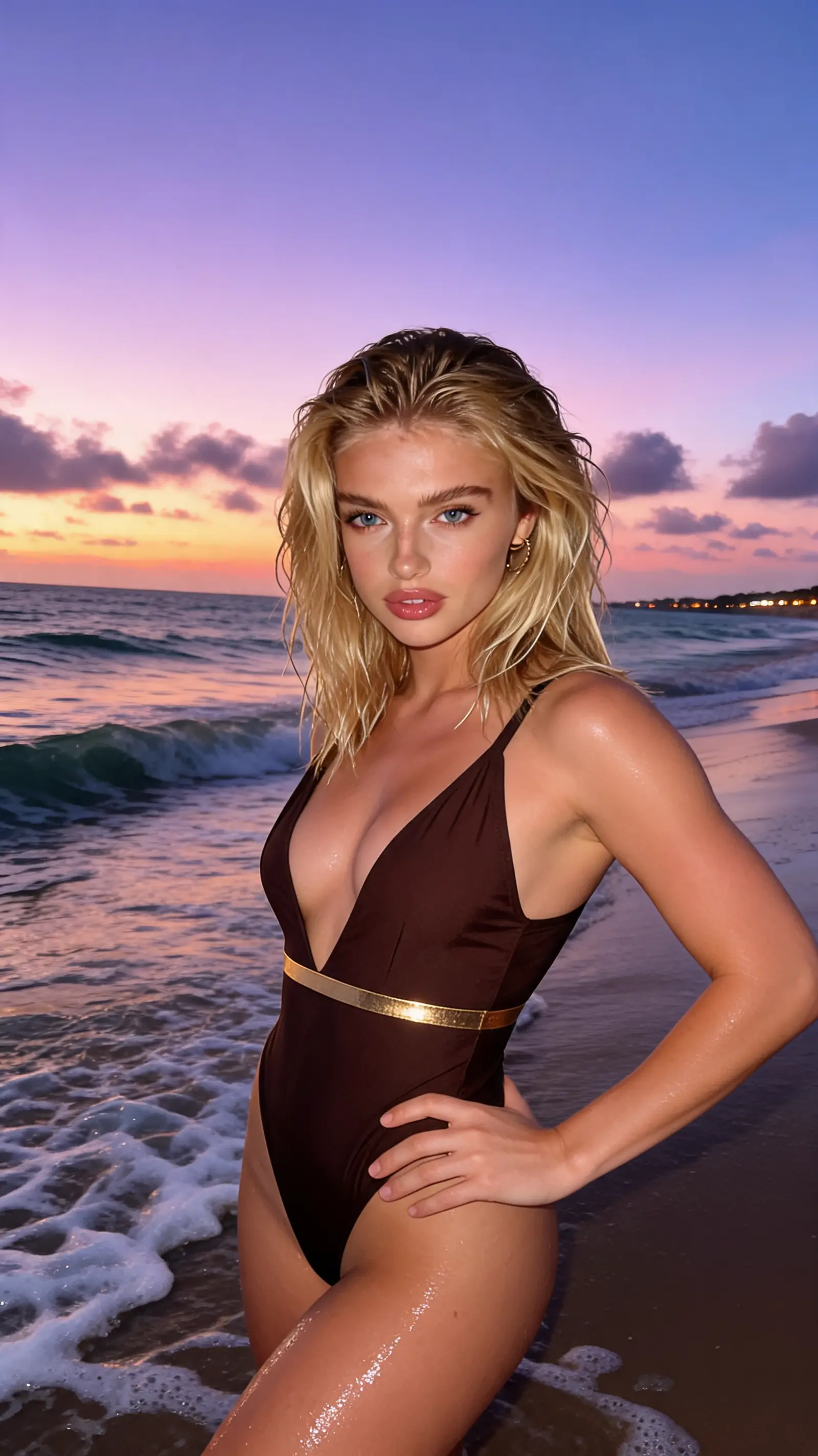
Why Imageditly
Use an existing visual as the starting point, then control how closely the output follows its subject, structure, and style.
Retain recognizable subject details while changing the surrounding visual treatment.
Rework a photo as an illustration, campaign visual, product concept, or cinematic frame.
Guide composition and appearance with more than one source when supported by the model.
Develop multiple options without rebuilding the concept from the beginning.
Simple workflow
Go from source material to a useful result in three focused steps.
Choose a clear image that contains the subject or composition you want to retain.
Explain what should stay consistent and what should look different.
Compare the outputs and continue refining the strongest direction.
Built for real work
Use the same workspace for exploration, production, and repeatable creative tasks.
Test environments, colors, materials, and presentation styles.
Develop new scenes while preserving a recognizable person or character.
Translate a visual into illustration, photography, 3D, or editorial aesthetics.
Adapt one strong concept across audiences, channels, and compositions.
Keep exploring
Move between generation, transformation, editing, and motion without starting over.
Free images include a watermark. Upgrade for clean outputs, faster generation and commercial use.
FAQ
Practical answers about the workflow, inputs, outputs, and usage.
Image to image generation uses an uploaded visual as guidance for a new output. You can preserve the subject or composition while changing style, environment, colors, or details.
Use a clear, well-lit image where the important subject is easy to recognize. Higher-quality inputs give the model more useful visual information.
Reference-based models can preserve important visual traits, but results vary. Describe the details that must remain unchanged and test more than one variation.
Some models support multiple references for subject, style, or composition guidance. The upload limit is shown in the generator for the selected model.
It is best for rapid exploration and broad transformations. Precise production work may still benefit from a dedicated editor after generation.
Common web image formats such as JPEG, PNG, and WebP are supported by most workflows. Exact limits will be shown in the upload control.
Upload a reference, describe the transformation, and explore multiple visual directions.
Start creating