
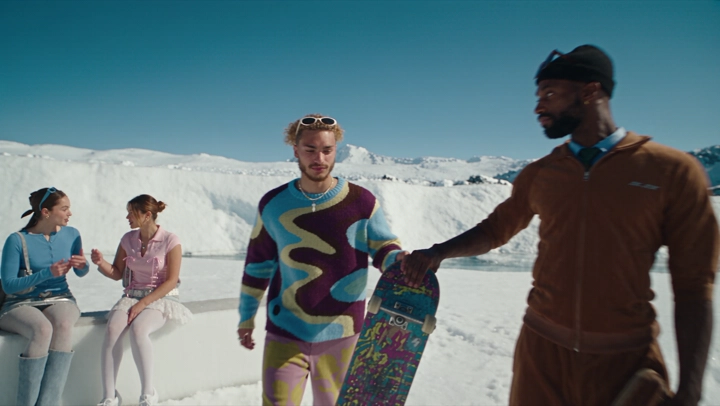

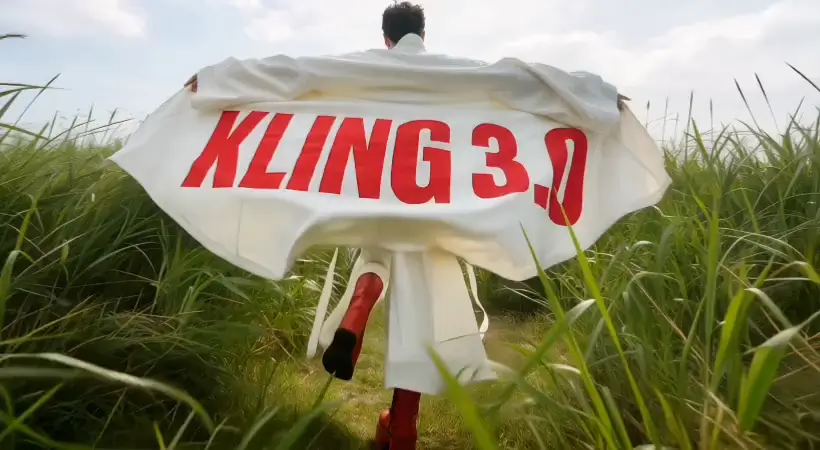

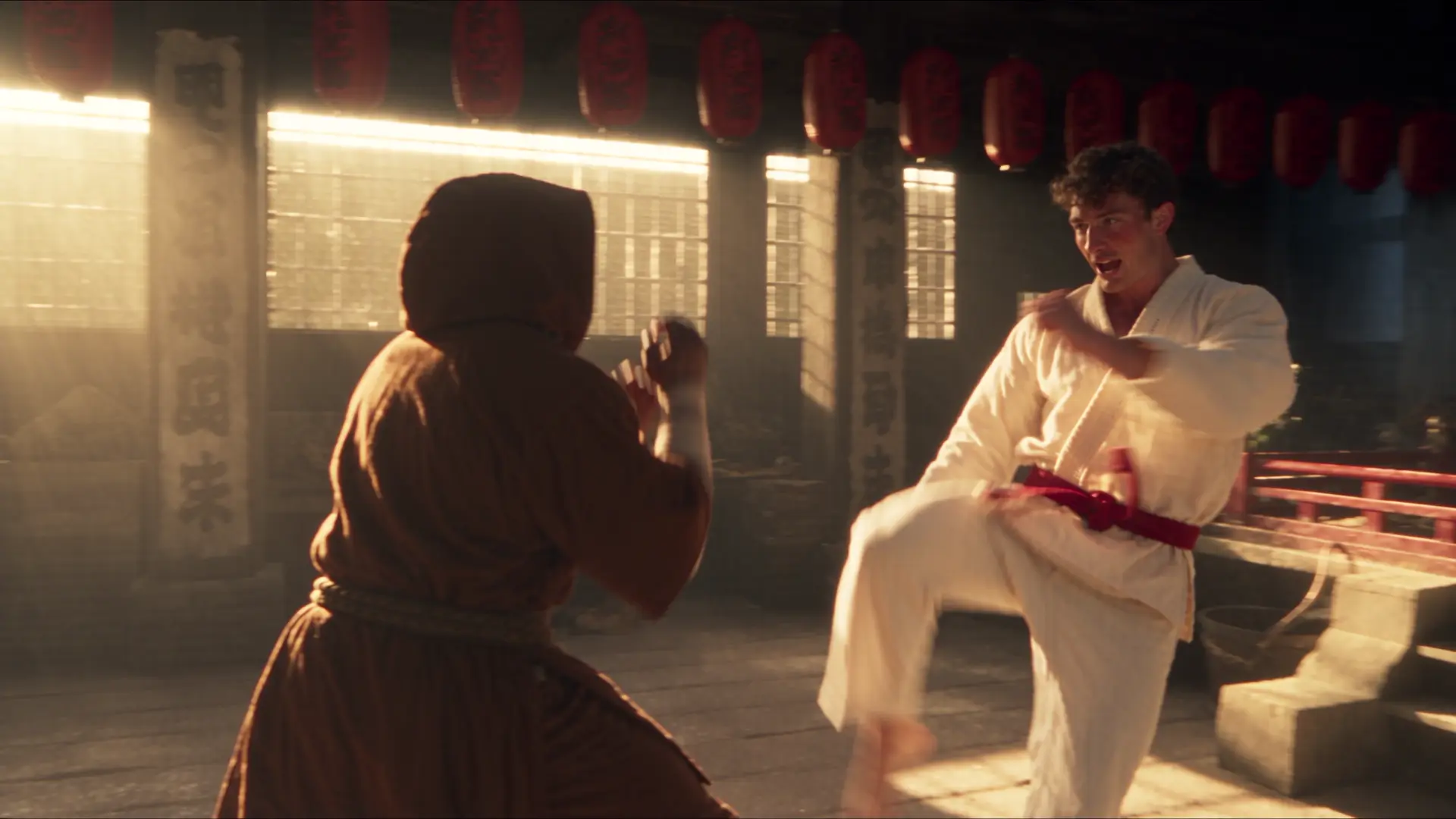



Start from any strong visual
Animate a photo, illustration, product render, or AI-generated keyframe.
Bring still images to life
Animate photos and AI images with natural motion. Upload a still, describe the action and camera movement, and create a polished video clip.
Sign in to see your recent creations.
Choose your engine
Start with the model that best matches your preferred speed, style, and level of control.
Why Imageditly
Start from a finished image and direct how the subject, environment, and camera evolve through the shot.
Animate a photo, illustration, product render, or AI-generated keyframe.
Keep the subject, colors, texture, and composition connected to the source image.
Describe subtle gestures, environmental motion, or dramatic camera behavior.
Choose the model that best fits the pace, realism, and style of the shot.
Simple workflow
Go from source material to a useful result in three focused steps.
Use a clear frame with enough room for the movement you want to introduce.
Explain what moves, what remains stable, and how the camera should behave.
Preview the clip, refine the direction, and create additional takes.
Built for real work
Use the same workspace for exploration, production, and repeatable creative tasks.
Add subtle expressions, hair movement, and natural camera drift.
Create reveals, rotations, atmospheric movement, and social ad concepts.
Turn illustrations and visual keyframes into short narrative moments.
Repurpose strong stills as vertical motion assets for short-form channels.
Keep exploring
Move between generation, transformation, editing, and motion without starting over.
Free images include a watermark. Upgrade for clean outputs, faster generation and commercial use.
FAQ
Practical answers about the workflow, inputs, outputs, and usage.
It uses a still image as the visual starting point for a video. A motion prompt tells the model how the subject, environment, and camera should move.
Use a clear, high-quality image with a readable subject and enough space around elements that need to move. Very crowded frames can be harder to animate consistently.
Describe camera behavior directly, such as a slow push-in, orbit, handheld drift, pan, tilt, or fixed camera. Pair it with one clear subject action.
The source frame strongly guides appearance, but consistency varies by model and motion complexity. Subtle movement often preserves details more reliably.
Yes. You can create a keyframe with Text to Image or Image to Image, then use it as the source for an animated clip.
Choose landscape for cinematic content, vertical for stories and short-form video, or square for flexible social publishing.
Upload a still, direct the motion, and create a video that stays true to the original frame.
Start creating