
Fast concept tests
Seedance 2.0 Mini supports this capability inside a focused video generation workflow.
Create with Seedance 2.0 Mini
Create lightweight visual concepts with an efficient Seedance workflow designed for quick tests and accessible experimentation.
Sign in to see your recent creations.
Core strengths
Use the model when its balance of speed, visual quality, and control fits the project in front of you.
Seedance 2.0 Mini supports this capability inside a focused video generation workflow.
Seedance 2.0 Mini supports this capability inside a focused video generation workflow.
Seedance 2.0 Mini supports this capability inside a focused video generation workflow.
Seedance 2.0 Mini supports this capability inside a focused video generation workflow.
Model overview
A practical overview to help you match the model to the right video workflow.
Compare models
Compare the current model with other popular options before starting your final generation.
| Model | Best for | Output focus | Positioning |
|---|---|---|---|
| Seedance 2.0 Mini | Lightweight concepts and fast tests | Efficient visual workflow | Compact and accessible |
| Gemini Omni Flash | Fast multimodal exploration | Responsive visual generation | Speed and multimodal flexibility |
| Seedance 2.5 | Expressive visual concepts and motion-led ideas | Creative multimodal workflow | Dynamic visual storytelling |
Choose your engine
Start with the model that best matches your preferred speed, style, and level of control.
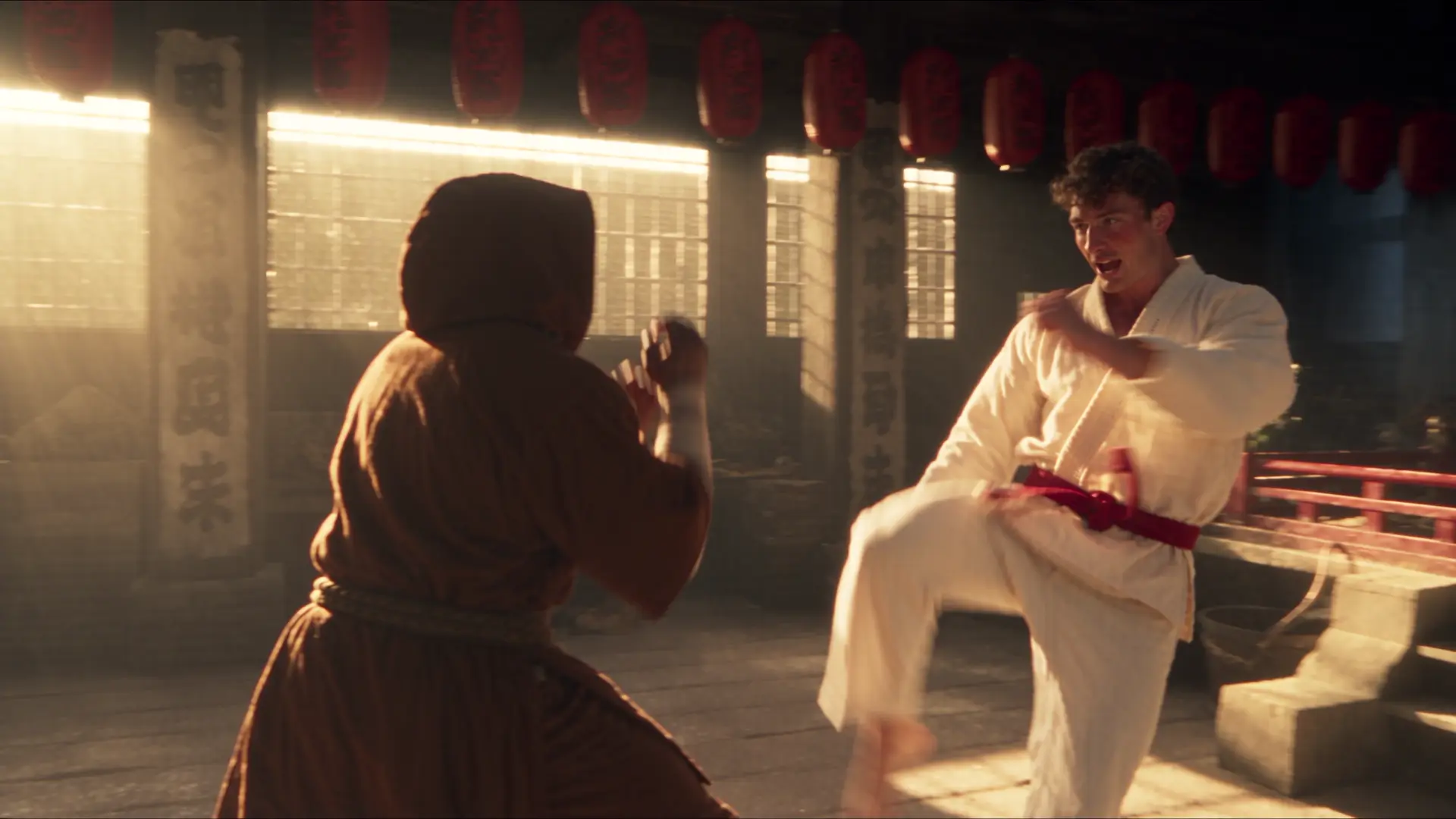

Turn written scene ideas into video concepts with a responsive workflow for motion, composition, and rapid experimentation.
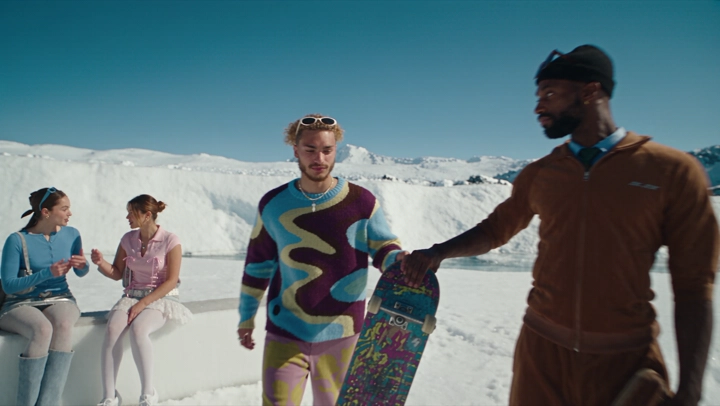

Develop expressive AI videos in an accessible creative workspace with clear scene prompts, camera direction, and reusable output settings.


Explore fast video concepts with a streamlined model experience for creative prompts, motion, and social-first production.
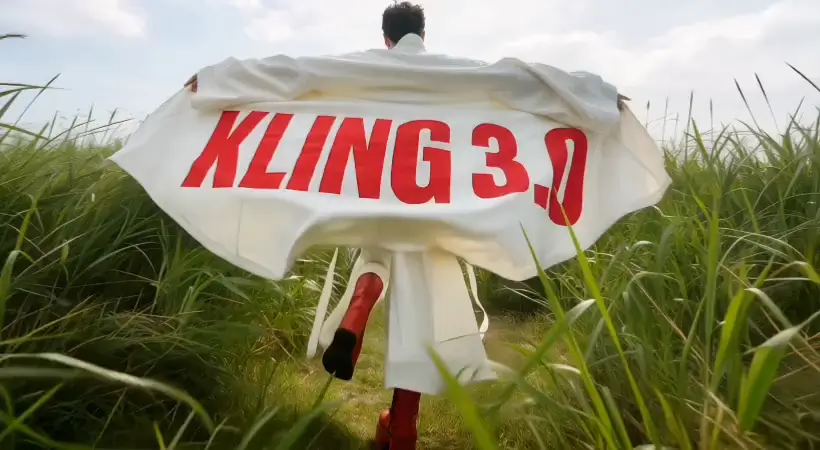

Develop vivid AI video concepts with a faster Kling workflow for responsive iteration, camera direction, and dynamic storytelling.
Free images include a watermark. Upgrade for clean outputs, faster generation and commercial use.
FAQ
Practical answers about the workflow, inputs, outputs, and usage.
Seedance 2.0 Mini is an AI model available in Imageditly for prompt-based video generation.
It is positioned for lightweight concepts and fast tests. Choose it when those strengths fit the visual result and production pace you need.
This page is for text-to-video generation. To animate an existing image, use the Image to Video workflow instead.
Use a clear subject, visual style, composition, lighting, and intended format. Make one important change at a time when refining an output.
Use square for flexible social assets, portrait for vertical content, and landscape for banners, presentations, or cinematic compositions.
Commercial usage depends on your Imageditly plan, current model terms, and rights to the requested content. Review the latest terms before publishing.
Start with a prompt and turn your next idea into a polished video.
Start creating