
Natural-language prompting
Describe the subject, setting, lighting, style, and mood in everyday language.
Create from a prompt
Turn written prompts into original images with leading AI models. Compare styles, choose an aspect ratio, and create polished visuals in one workspace.
Sign in to see your recent creations.
Choose your engine
Start with the model that best matches your preferred speed, style, and level of control.
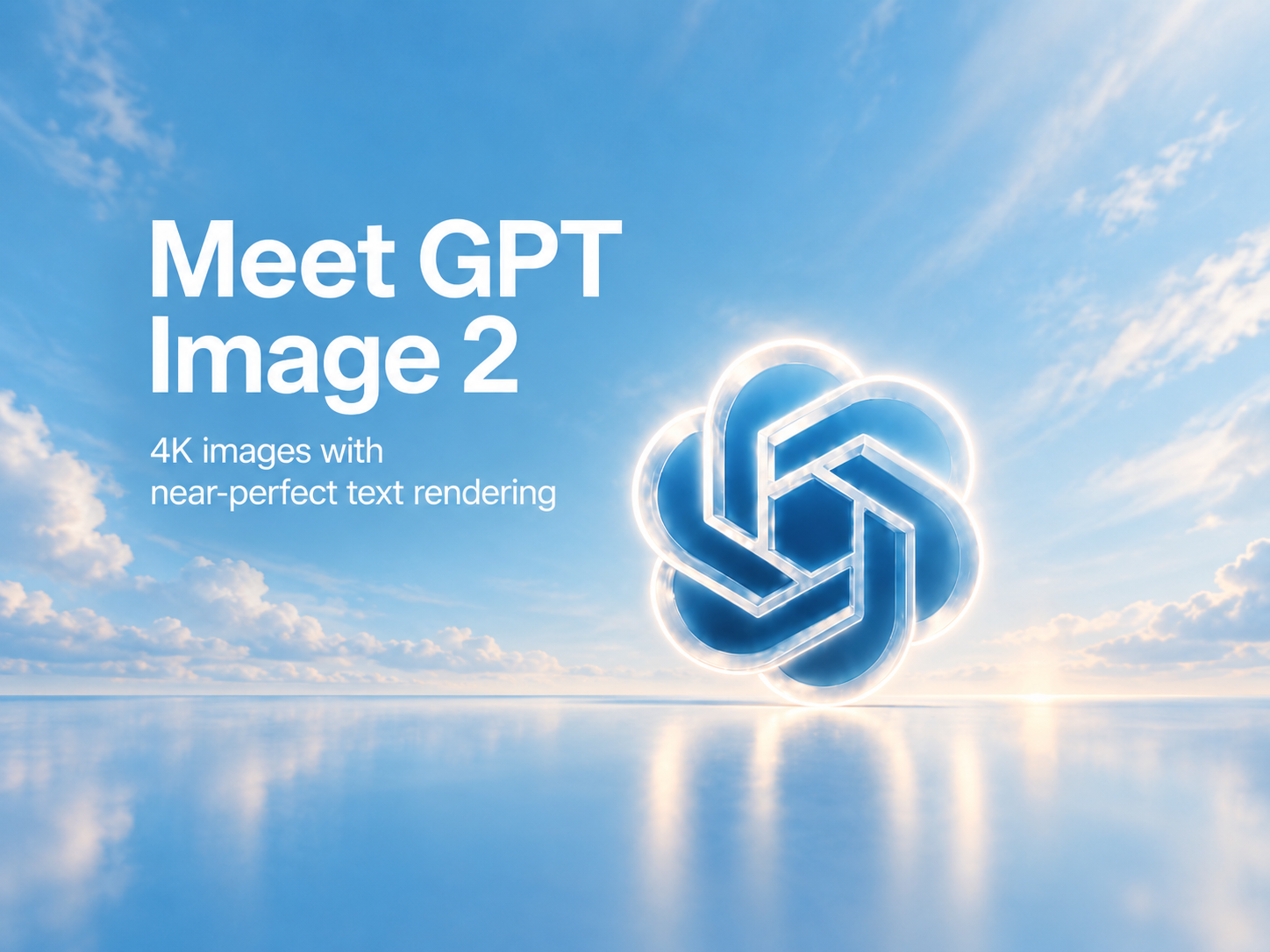

Precise prompt following for polished images and readable text.
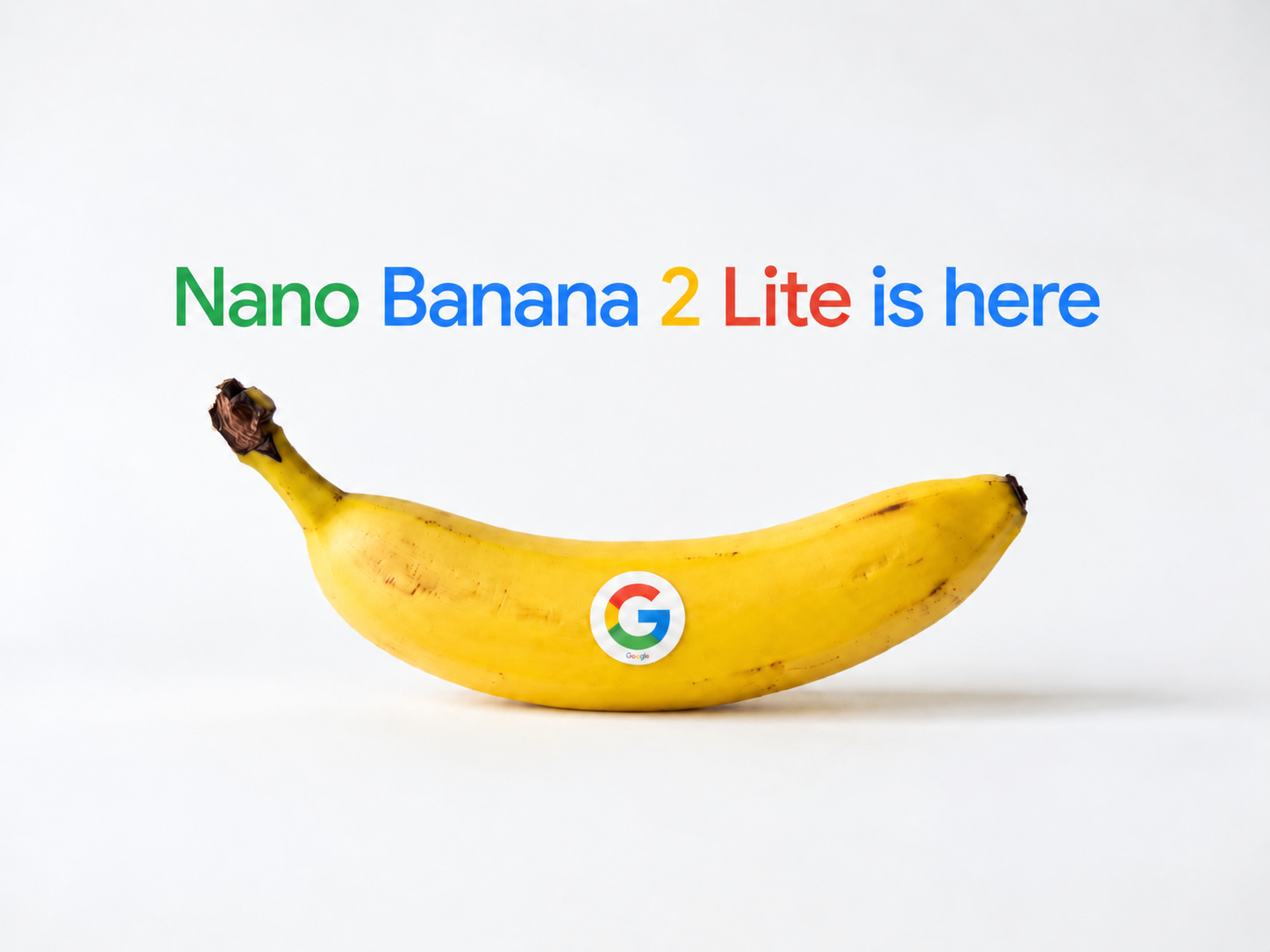

A fast, efficient option for everyday generation and editing.
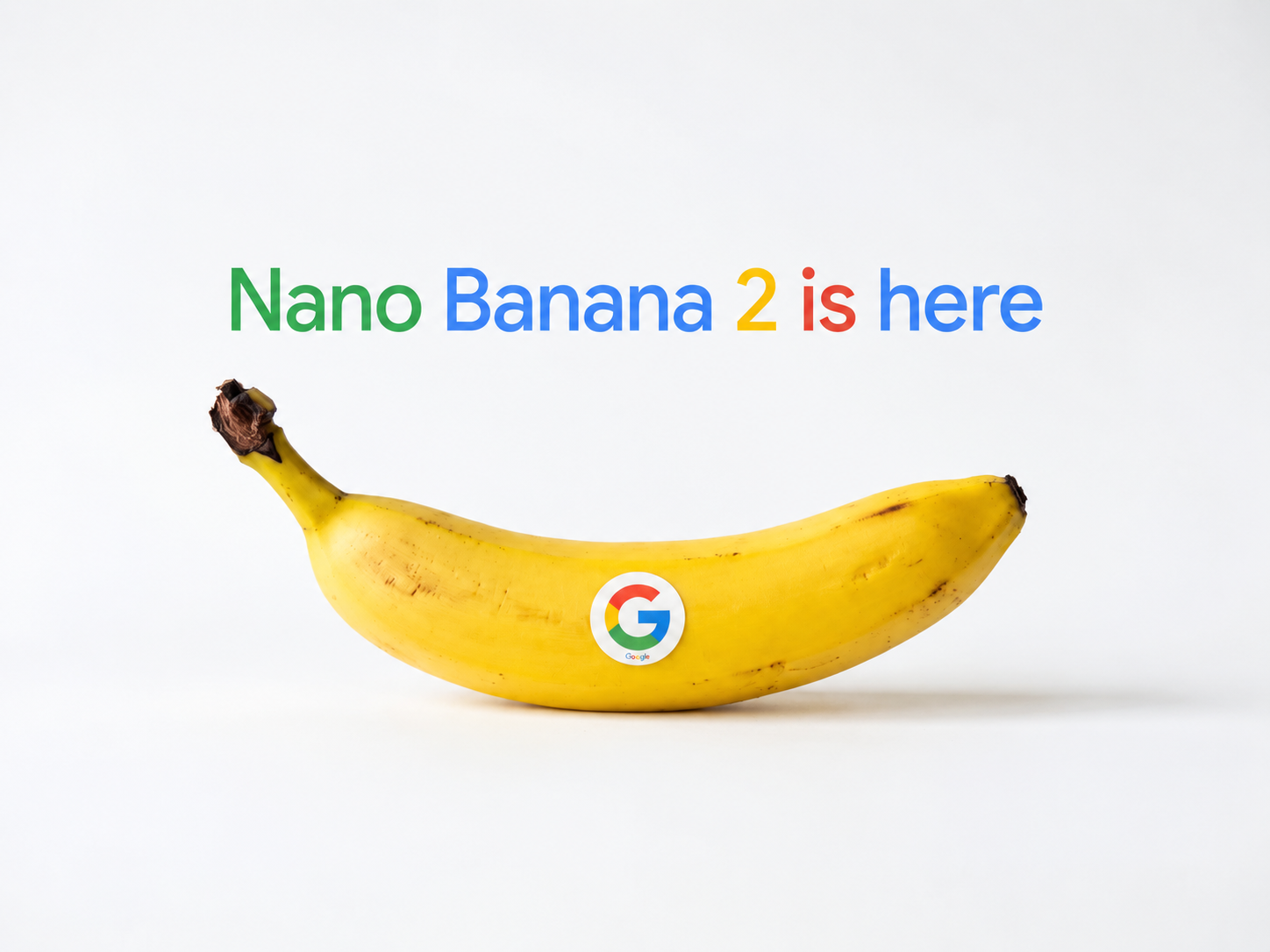
Flexible multi-reference generation with strong visual consistency.
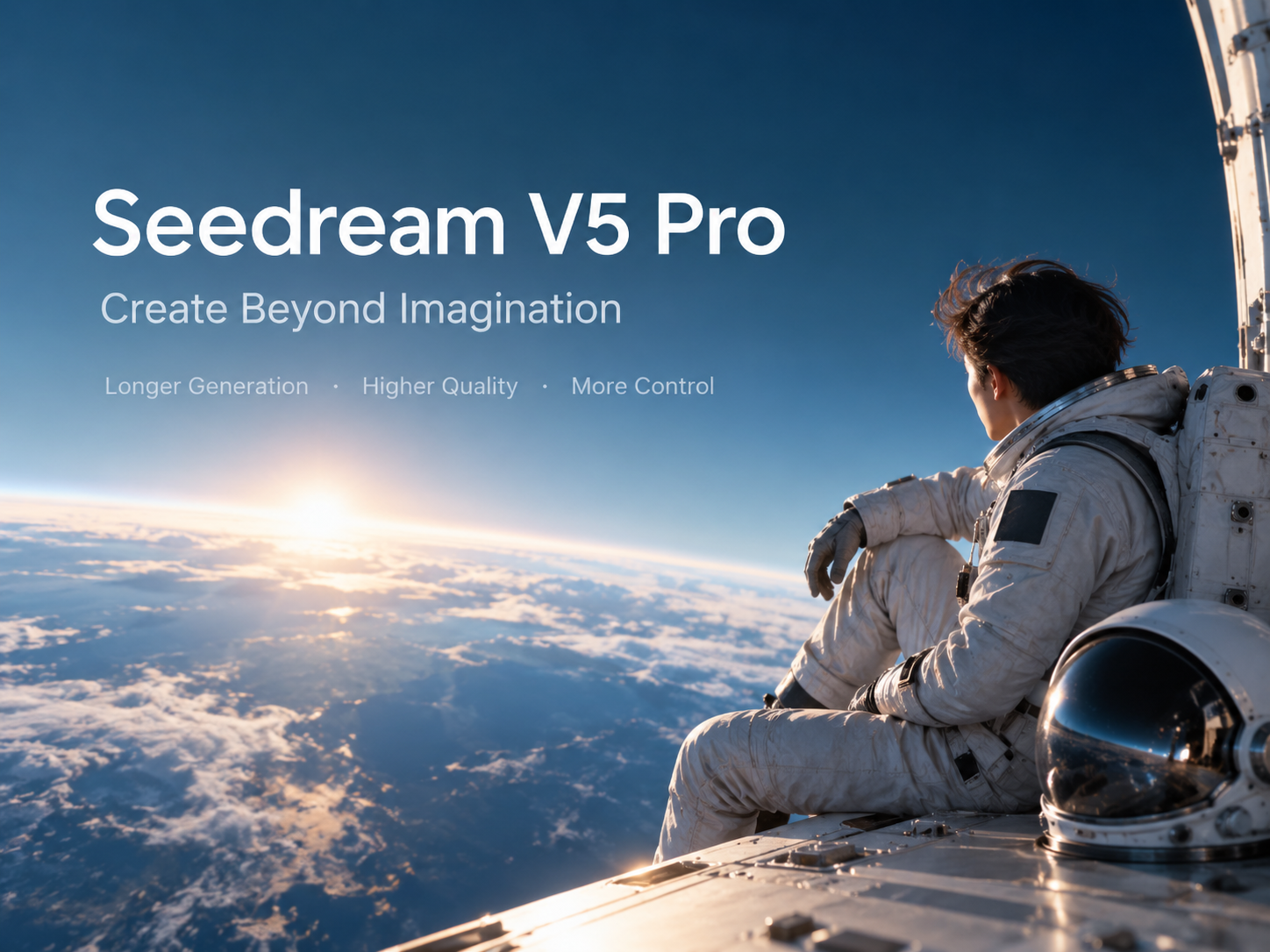

Detailed creative output for professional image workflows.
Example gallery
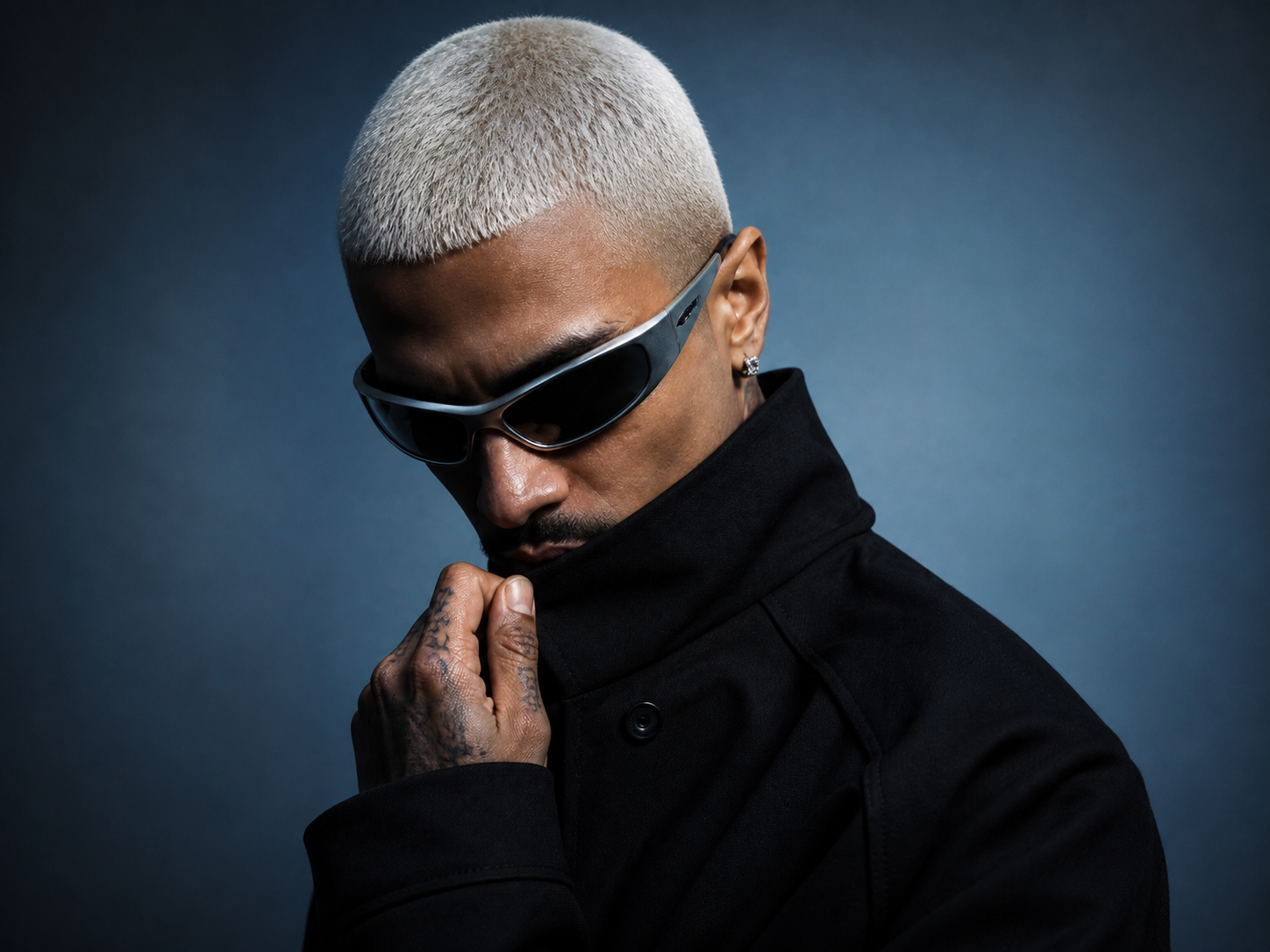
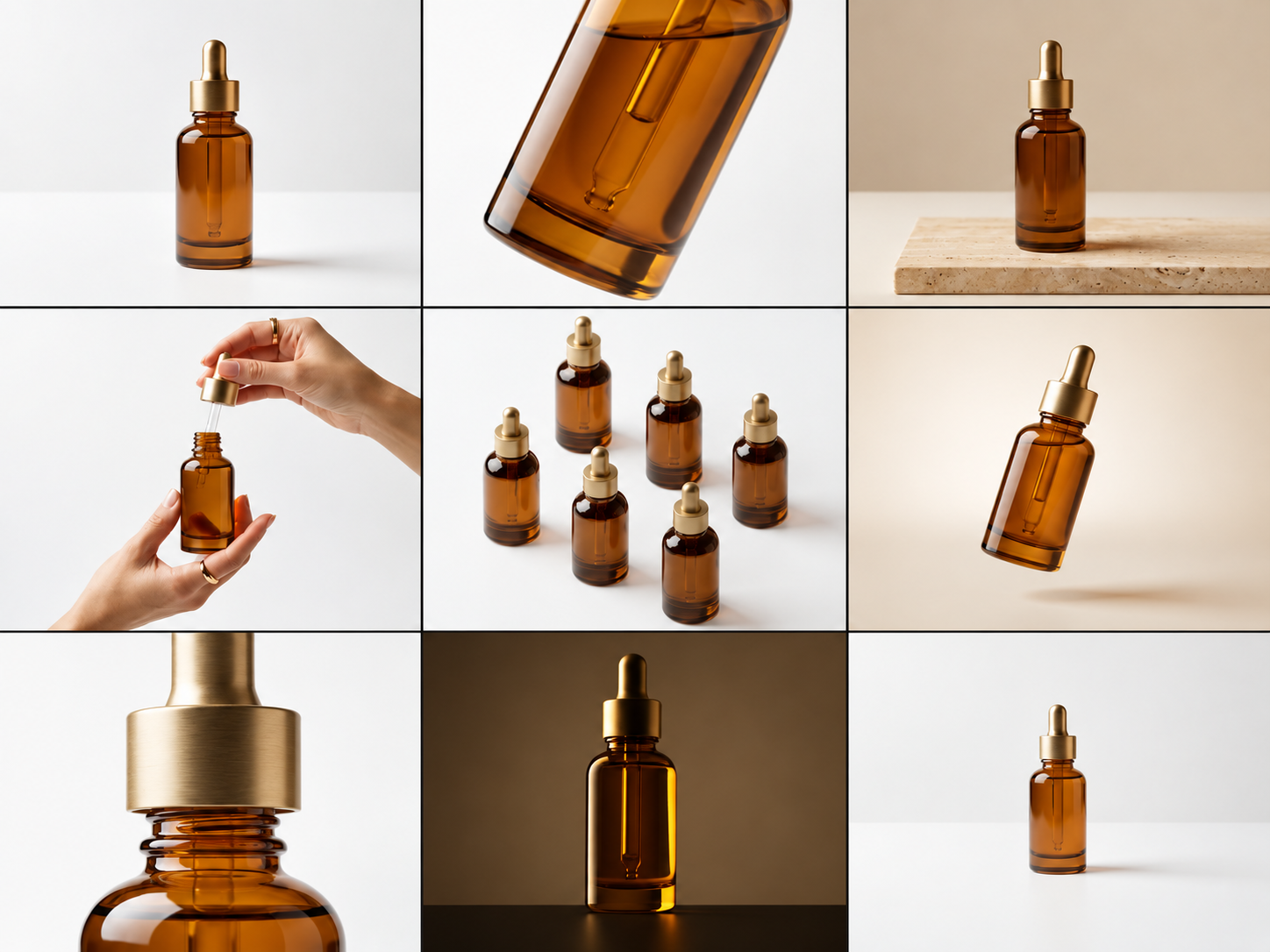
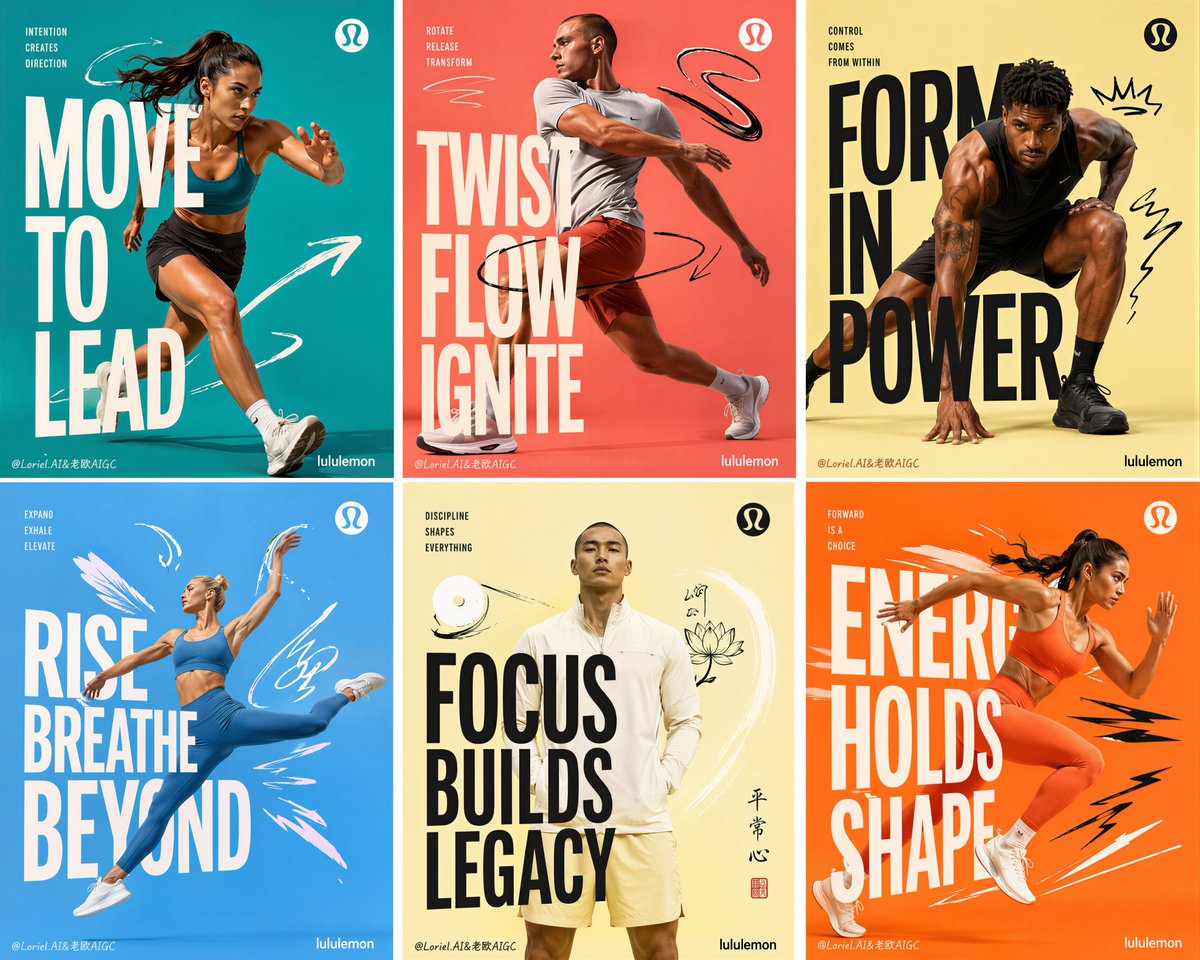
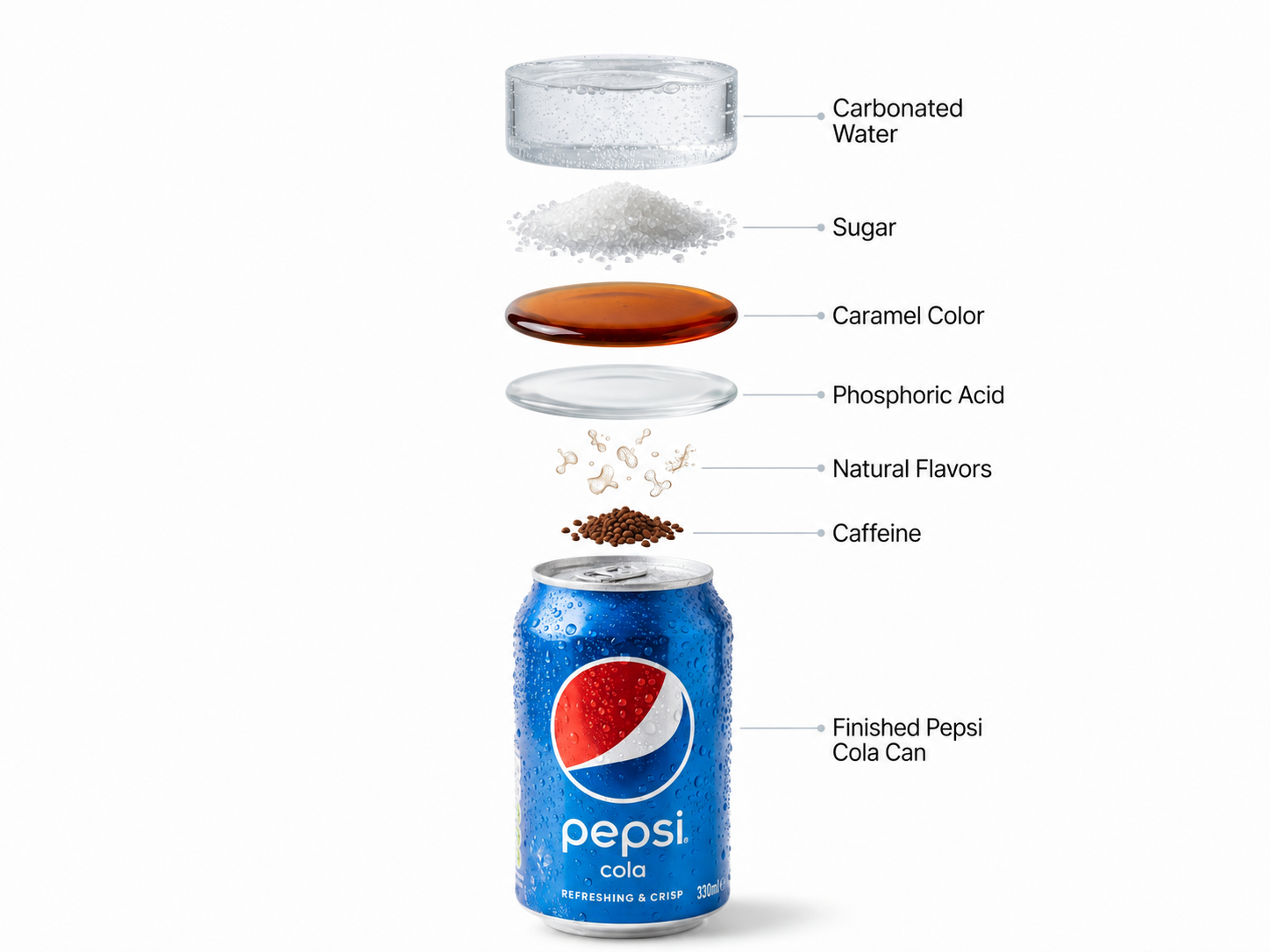
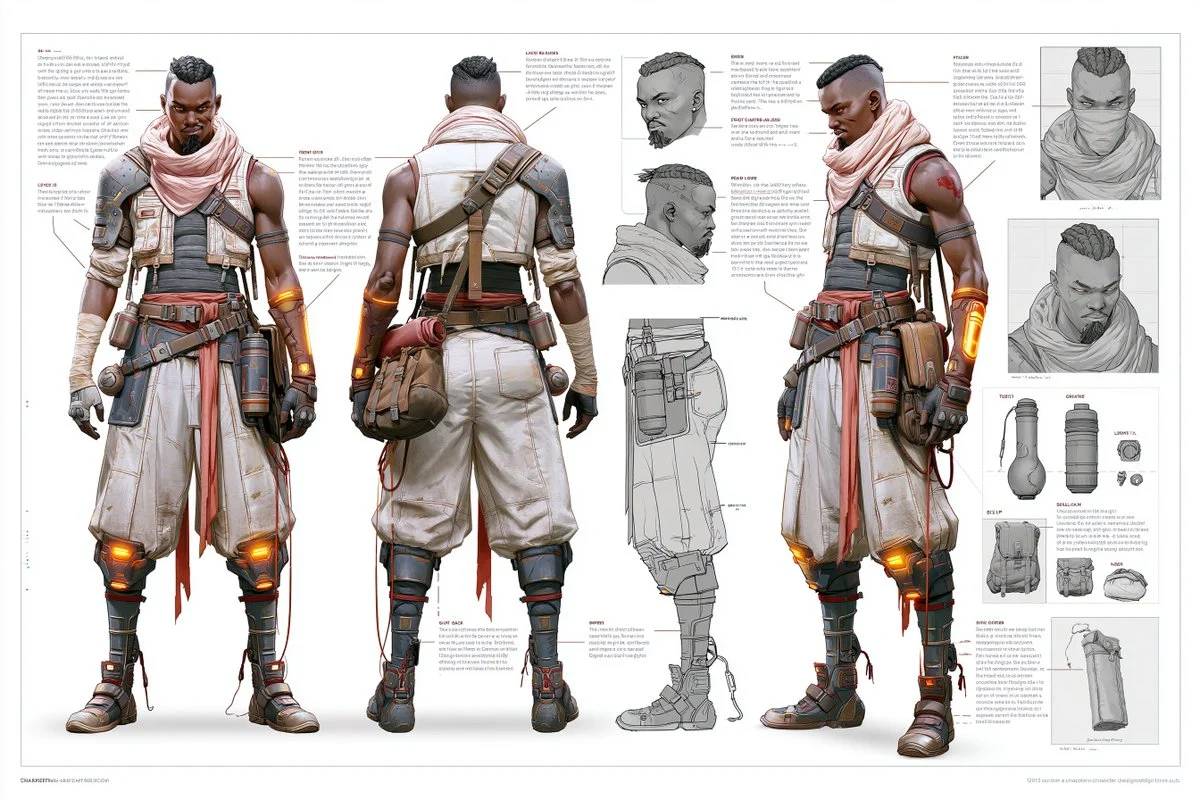
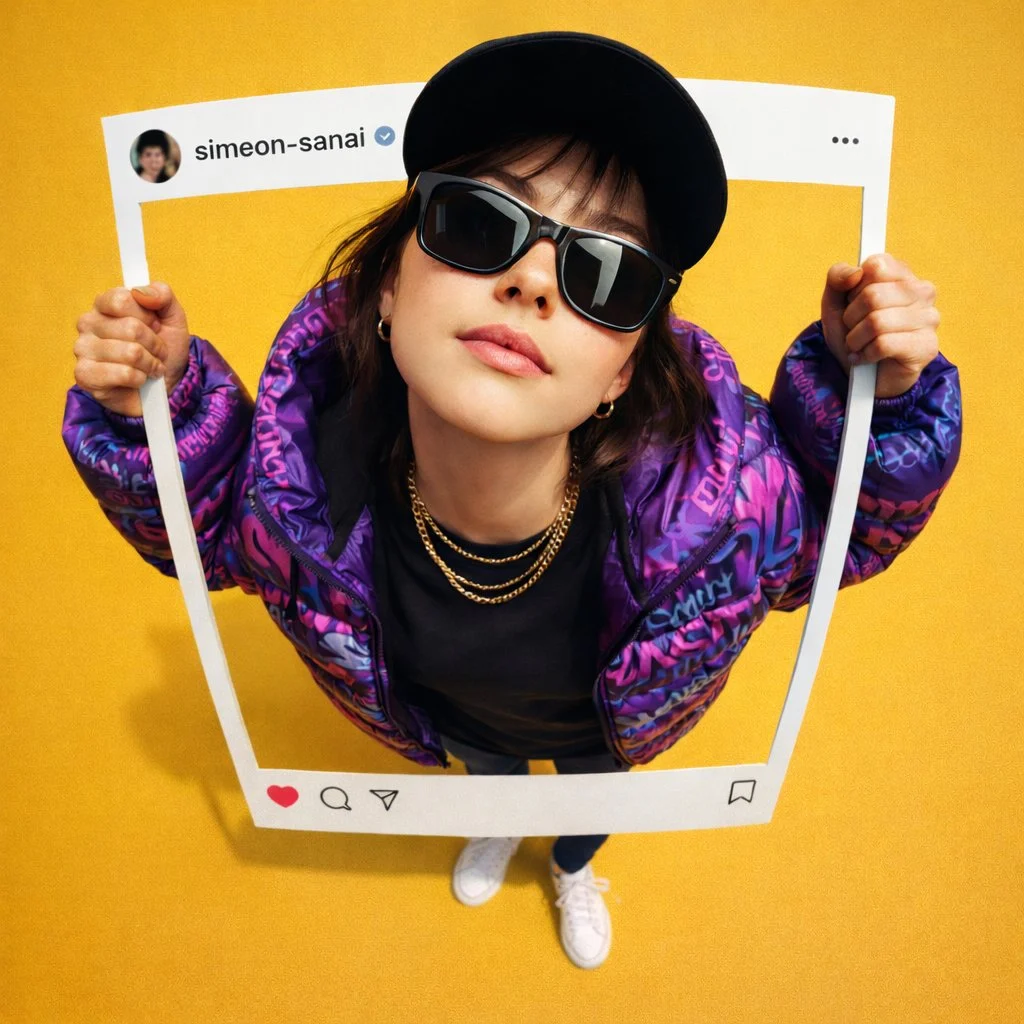
Use these slots for real generations that demonstrate portraits, products, illustrations, typography, and cinematic scenes.
Why Imageditly
Move from an early idea to a useful visual without switching tools or learning a complicated production workflow.
Describe the subject, setting, lighting, style, and mood in everyday language.
Choose the model that best fits realistic, illustrative, editorial, or design-led work.
Create posters, product graphics, and social visuals with clearer typography.
Set portrait, square, or landscape ratios before you generate.
Simple workflow
Go from source material to a useful result in three focused steps.
Explain what you want to see and add details about style or composition.
Select a model, aspect ratio, output count, resolution, and quality.
Compare the results, update your prompt, and continue from the strongest image.
Built for real work
Use the same workspace for exploration, production, and repeatable creative tasks.
Create campaign concepts, social posts, banners, and ad variations.
Explore product scenes, packaging ideas, and studio-style compositions.
Generate characters, environments, editorial art, and visual references.
Build visual directions for articles, presentations, and creative briefs.
Keep exploring
Move between generation, transformation, editing, and motion without starting over.
Free images include a watermark. Upgrade for clean outputs, faster generation and commercial use.
FAQ
Practical answers about the workflow, inputs, outputs, and usage.
It is a creative tool that turns a written description into a new image. Your prompt guides the subject, composition, style, lighting, and other visual details.
Start with the main subject, then add the setting, composition, lighting, camera or art style, and mood. Clear visual details usually work better than long lists of unrelated keywords.
Choose based on the result you need. Some models are better at typography and prompt accuracy, while others are optimized for speed, realism, stylization, or reference-based work.
This page is for text-to-image generation and starts from a written prompt. Use the Image to Image workflow when you want an existing image to guide the result.
The workspace supports common square, portrait, and landscape formats. Available ratios can vary depending on the selected model.
Usage rights depend on your plan, the selected model, and the source material you provide. Review the current terms before publishing commercial work.
Start with a sentence, compare leading models, and refine your favorite result.
Start creating