
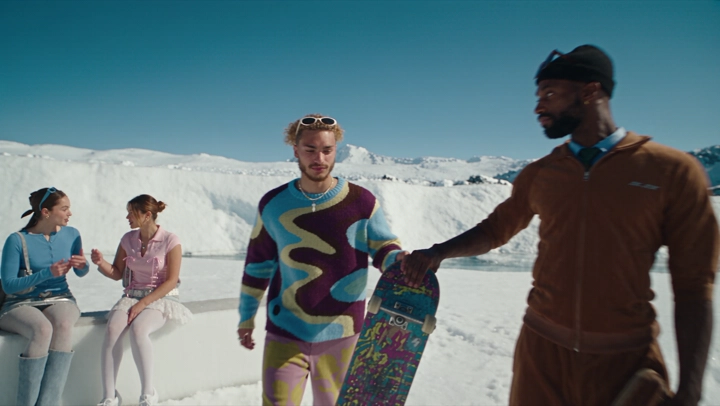

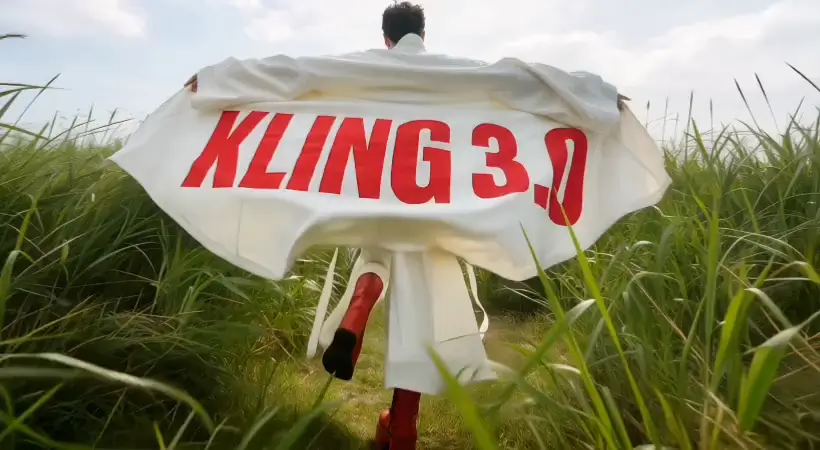

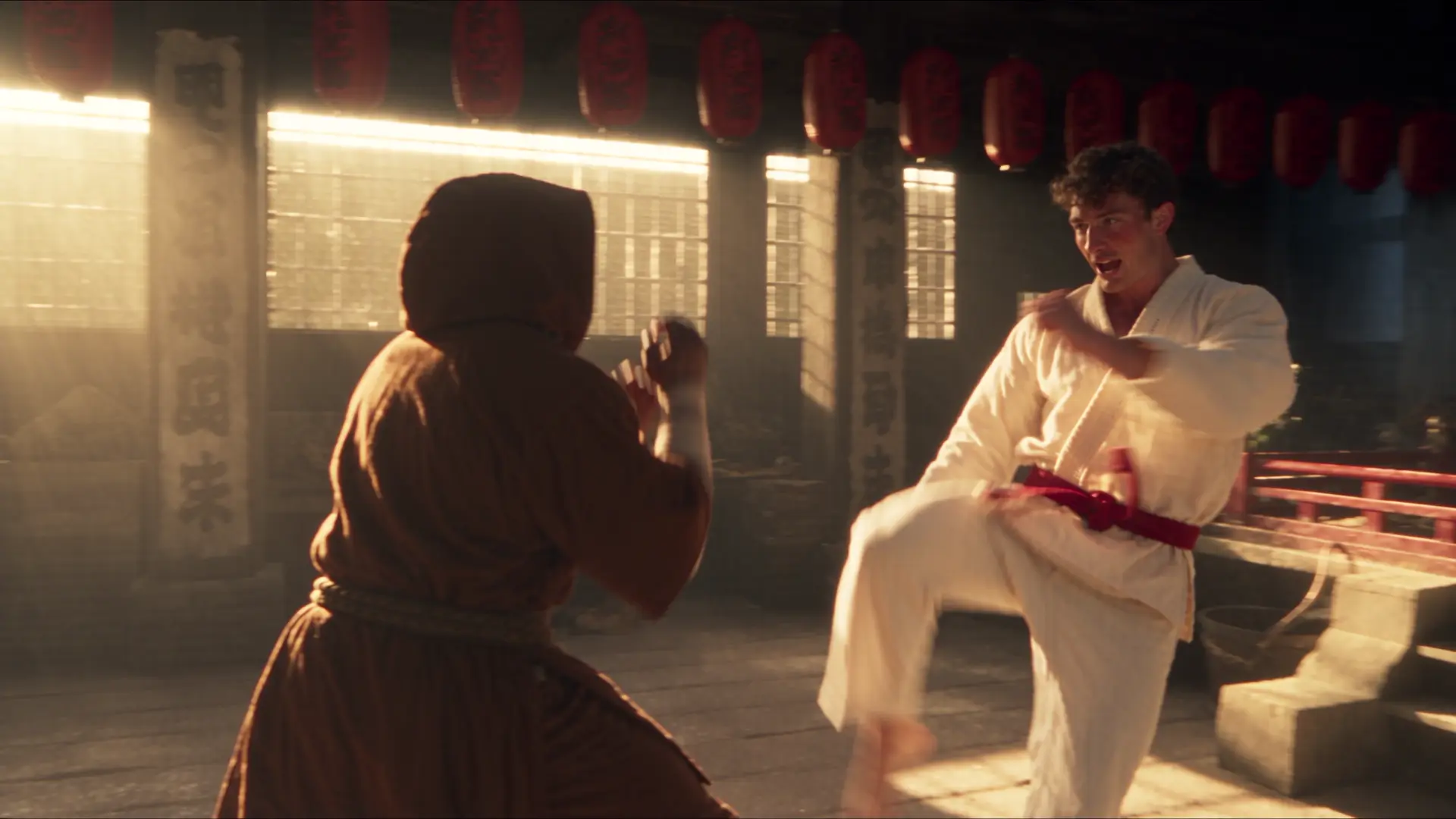

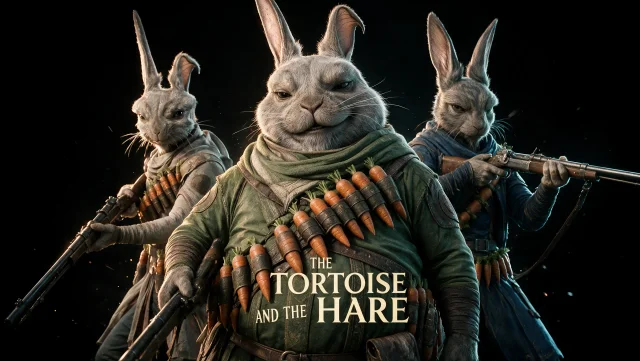

Prompt-driven scenes
Describe the subject, action, environment, mood, and visual style in natural language.
Create motion from words
Create short AI videos from text prompts. Choose a video model, describe the scene and motion, and generate clips for stories, ads, and social content.
Sign in to see your recent creations.
Choose your engine
Start with the model that best matches your preferred speed, style, and level of control.
Why Imageditly
Explore motion concepts quickly with model, format, duration, and camera controls in one focused workspace.
Describe the subject, action, environment, mood, and visual style in natural language.
Compare models suited to realism, stylized motion, cinematic framing, or fast iteration.
Guide pans, zooms, tracking shots, and subject movement directly in the prompt.
Create vertical, square, or landscape clips for ads, stories, and presentations.
Simple workflow
Go from source material to a useful result in three focused steps.
Include the subject, action, setting, camera movement, lighting, and mood.
Choose a model, aspect ratio, duration, resolution, and motion controls.
Review the motion, adjust the prompt, and create the next variation.
Built for real work
Use the same workspace for exploration, production, and repeatable creative tasks.
Prototype short-form videos for feeds, stories, and paid campaigns.
Turn a creative direction into moving references for teams and clients.
Visualize product reveals, atmospheric shots, and launch ideas.
Explore cinematic, animated, surreal, and illustrative motion styles.
Keep exploring
Move between generation, transformation, editing, and motion without starting over.
Free images include a watermark. Upgrade for clean outputs, faster generation and commercial use.
FAQ
Practical answers about the workflow, inputs, outputs, and usage.
It converts a written scene description into a short video clip. The prompt can describe the subject, action, environment, camera movement, lighting, and style.
Describe one clear shot. Include who or what is moving, where it happens, how the camera behaves, and the intended mood. Avoid combining too many unrelated actions.
Available durations depend on the selected model. The generator shows the supported duration options before you create a clip.
Yes. Use a vertical format for short-form social content, landscape for cinematic or presentation use, and square for flexible feeds.
Video models interpret both appearance and movement over time. Simplifying the action, specifying the camera, and generating several variations can improve control.
Commercial usage depends on your plan, the selected model, and the material in your prompt. Review the current terms before publishing client or advertising work.
Describe one shot, choose a model, and create your first AI video variation.
Start creating